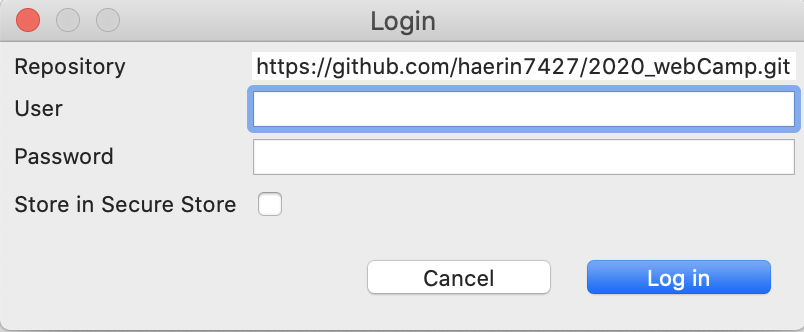
WEB/2020_webCamp
STS (Spring Tool Suite) : Github 연동하기
HBean_
2020. 8. 4. 02:06
<Github repository에 프로젝트 파일 올리기>
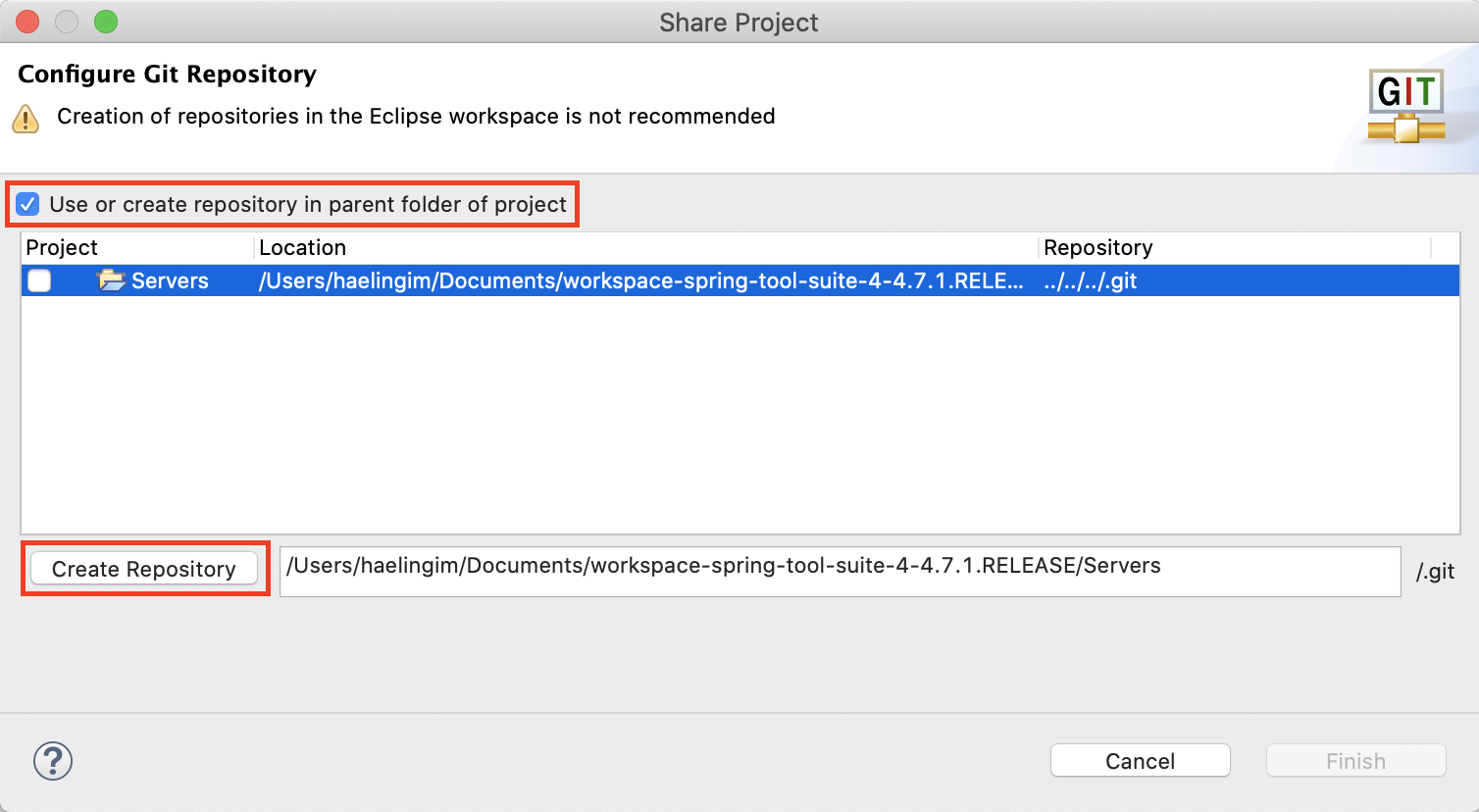
1. Github에 올리고 싶은 프로젝트를 우클릭 > Team > Share Project 클릭

2. 체크박스를 체크하고 create repository 클릭해서 로컬 저장소를 만듭니다.
3. git repositories를 엽니다.


4. 만들어진 git 저장소를 확인하고 올리고 싶은 원격 저장소의 주소를 복사합니다.


5. 원하는 git repository > Remotes > Create Remote 클릭


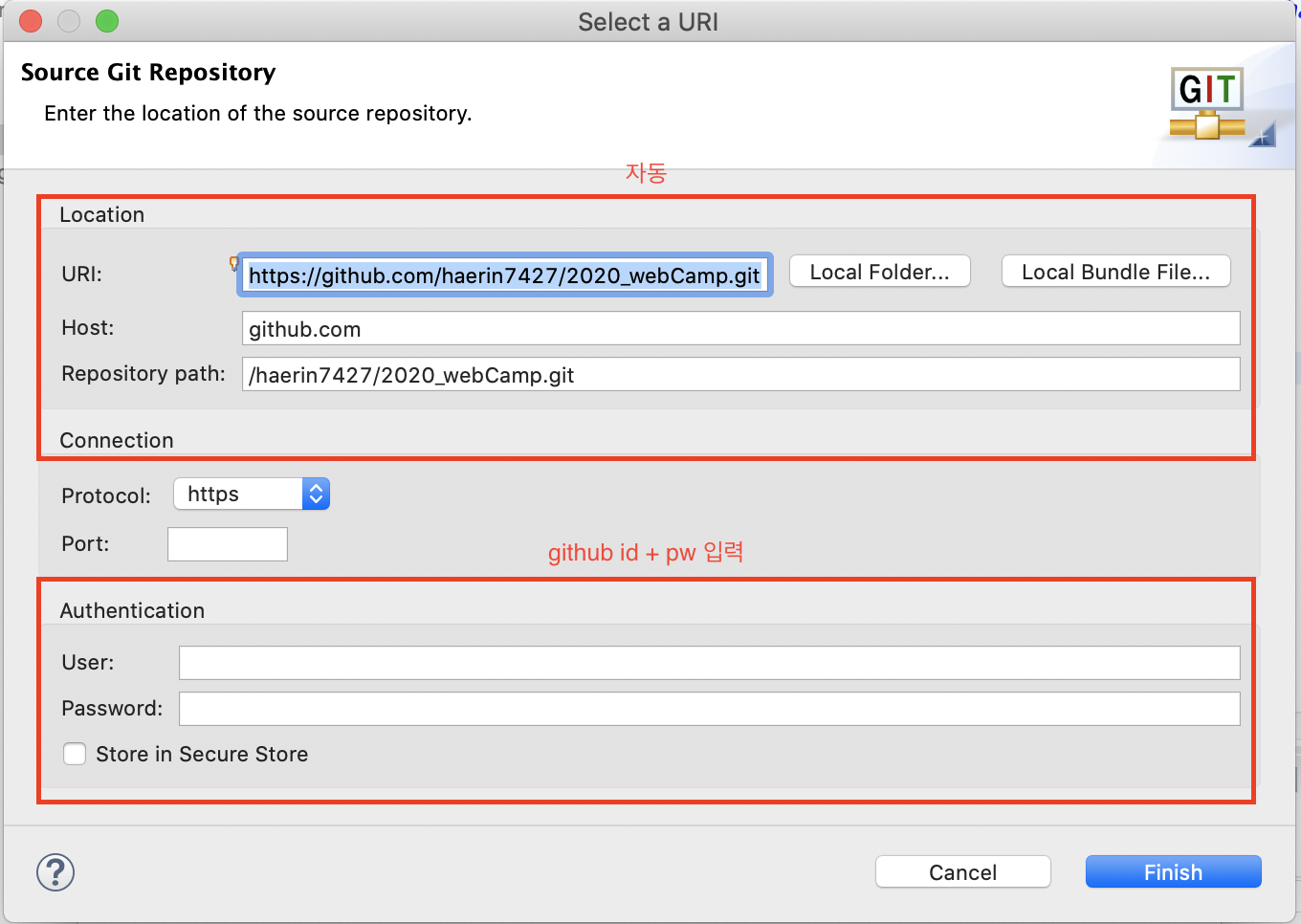
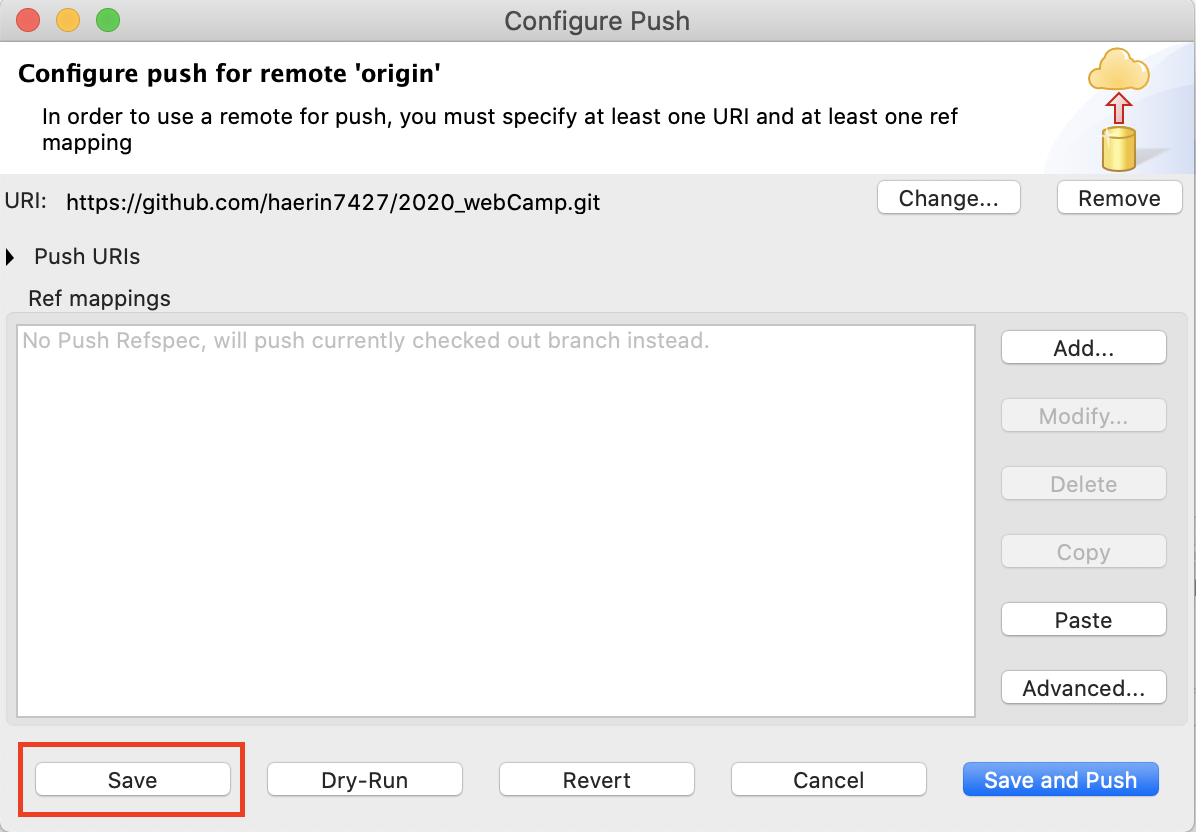
6. git commit & push 단계 : Window > Show View > Git Staging open

7. push 하고 싶은 것들은 unstaged chanes칸에서 staged chanes칸으로 옮기고 commit 메시지를 적고 commit & push 버튼을 클릭